



ip³Cameras

Video telematics configured for the views your fleet needs

Start with a road- and in-cab-view dashcam, then identify whether your vehicles need additional interior or rear views. Camera compatibility, AI functions, connectivity, installation and video workflows are confirmed for each configuration.

View camera options
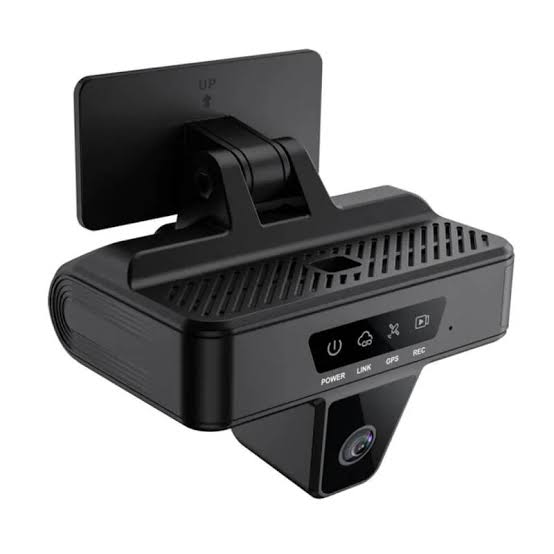
Current ip³Dashcam road-facing view

Connectivity options for mobile fleets

AT&TT-MobileVerizon

Connectivity availability depends on carrier coverage, the selected plan, device configuration, antenna placement and local operating conditions. Validate the proposed network behavior on representative routes before deployment.

Current ip³Dashcam road-facing camera
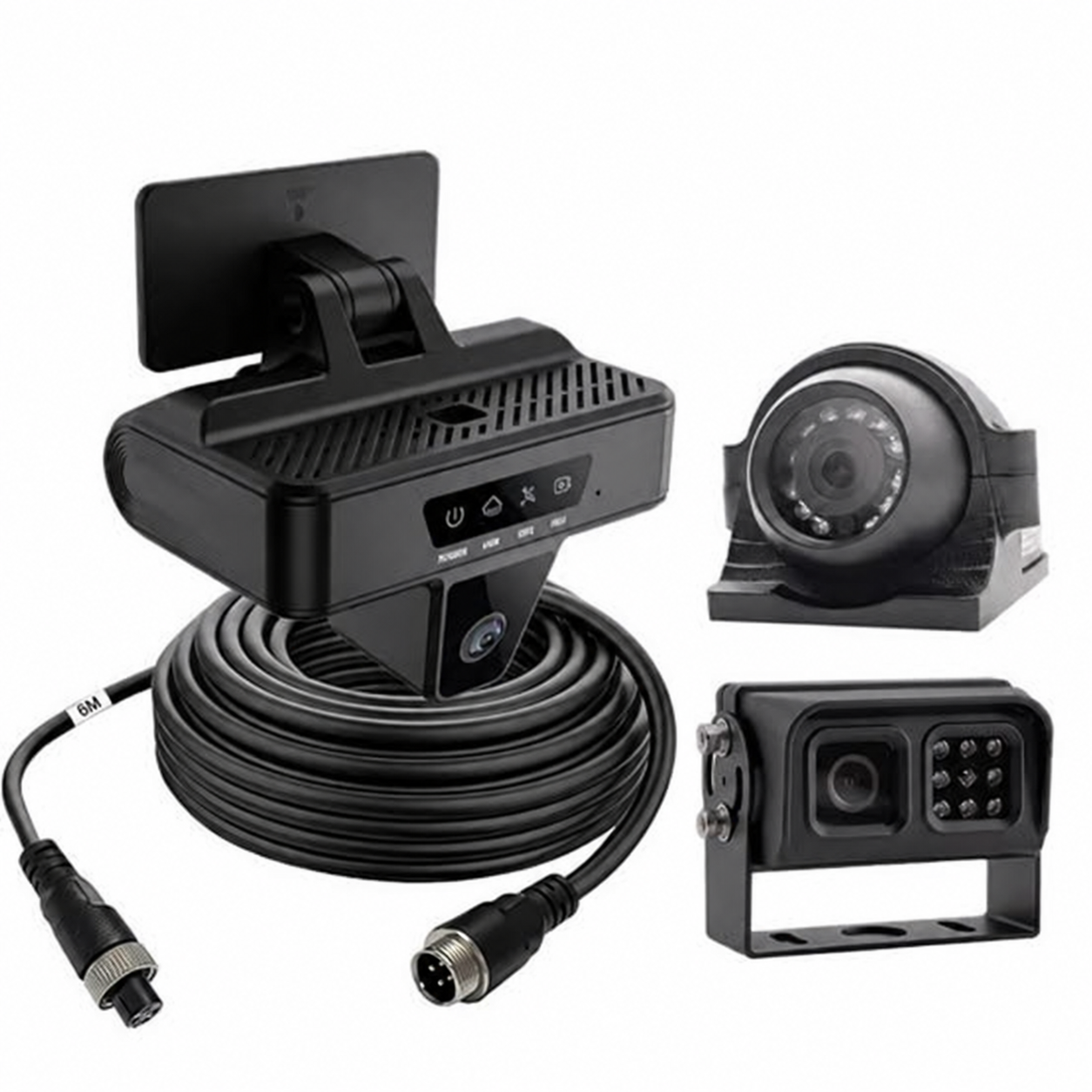
ip³Dashcam with optional external camera configurations
Camera options
Current ip³Dashcam cabin-facing view
Cabin-facing view
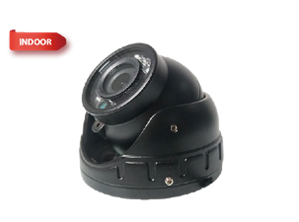
Mini infrared dome accessory camera
Mini IR dome
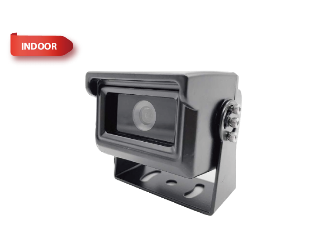
Rear-view AHD accessory camera
Rear-view AHD
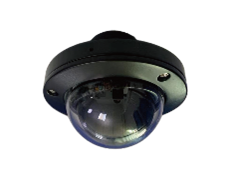
Dome interior accessory camera
Interior dome
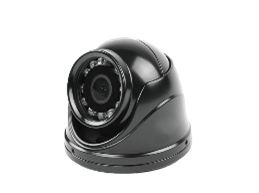
Mini dome interior accessory camera
Mini dome
Mini rear outdoor accessory camera
Mini rear camera
Fleet camera platform

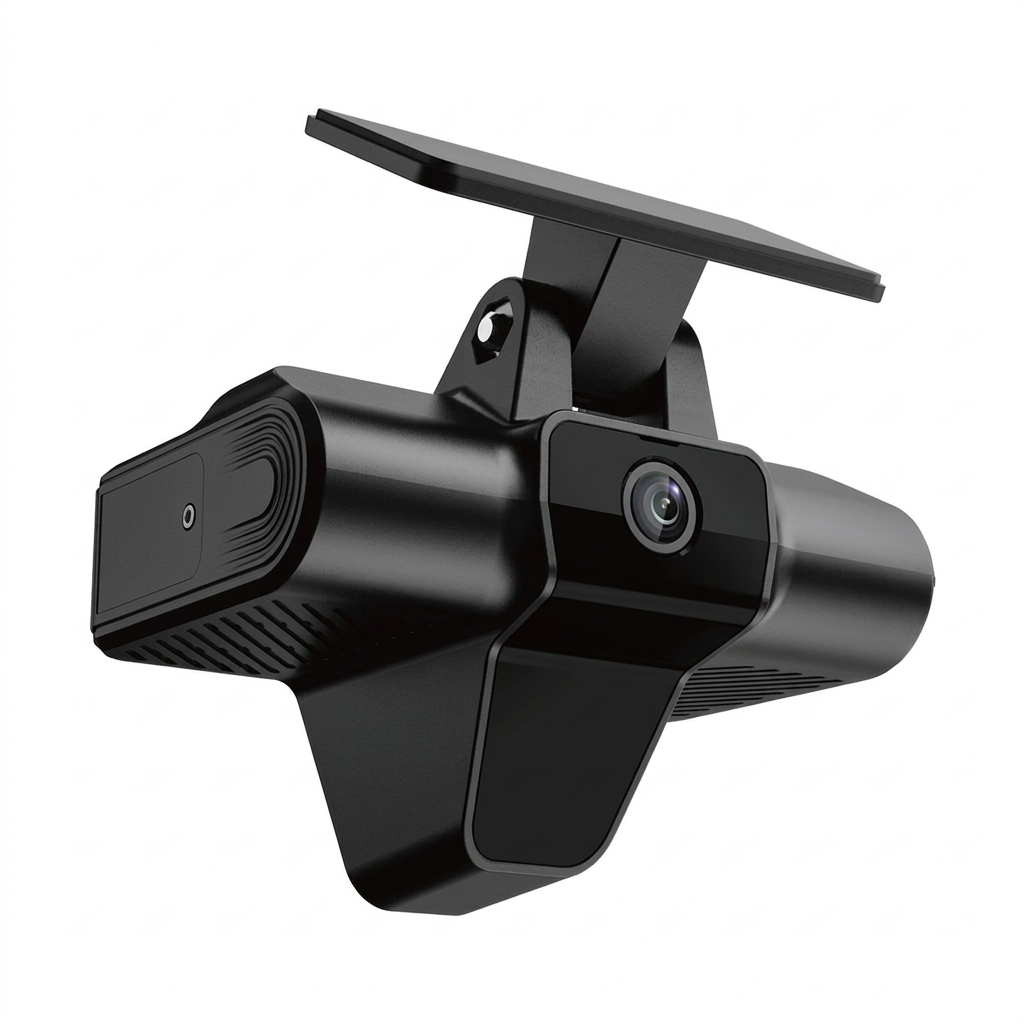
The ip³Dashcam — dual cameras, expandable through two additional camera ports.

The ip³Dashcam combines a forward-facing road camera and inward-facing driver camera in one in-vehicle unit, plus two ports for additional cameras. Confirm accessory compatibility, mounting, activation and vehicle fit before ordering.

Base views
Road + in-cab
Expansion
2 additional camera ports
Connectivity
Validate network, plan and route fit
AI options
Confirm activation and hardware dependencies

Current camera options

The ip³Things Store currently lists the Dual Camera Dashcam plus AI Feature Activation and ADAS, DMS, interior-dome and rear-view camera products. The correct combination depends on the base device, available ports, vehicle, mounting location and required view. Confirm compatibility before ordering.

View current camera options →

Confirm the camera and AI functions your fleet actually needs.

The current Store lists AI Feature Activation plus ADAS and DMS camera options. Exact functions, dependencies and validation requirements vary by configuration.

Driver-warning functions

The Store lists ADAS and DMS camera options plus AI Feature Activation. Confirm the exact supported functions, prerequisites and calibration requirements for the selected configuration.

Event and video workflow

Define which events and views matter, who reviews them, how quickly video is needed and which retrieval or sharing functions must be validated.

Configuration validation

Vehicle type, mounting, available ports, activation, connectivity and the existing fleet stack can all affect the final camera configuration.

What should a fleet confirm before selecting cameras?

Document the operating requirements before choosing hardware or activation.

  • Fleet size, use and vehicle types
  • Required road, in-cab, interior and rear views
  • Event and retrieval needs
  • Connectivity environment and representative routes
  • Current telematics or TMS stack
  • Installation and mounting constraints
  • Privacy and retention requirements
  • Functions that must be demonstrated or validated

What a configured video-telematics solution can deliver

ip³Cameras is more than a list of cameras to install. Its Store-listed camera and AI options support a path from video capture to fleet visibility and coaching. The specific functions below are confirmed for the chosen hardware, activation and platform during configuration review.

Driver-assistance and driver-monitoring options

The Store lists ADAS, DMS and AI Feature Activation options. Depending on the exact camera and activation, evaluate available forward-warning, following-distance, lane, distraction or fatigue functions. Confirm individual detections and calibration before use.
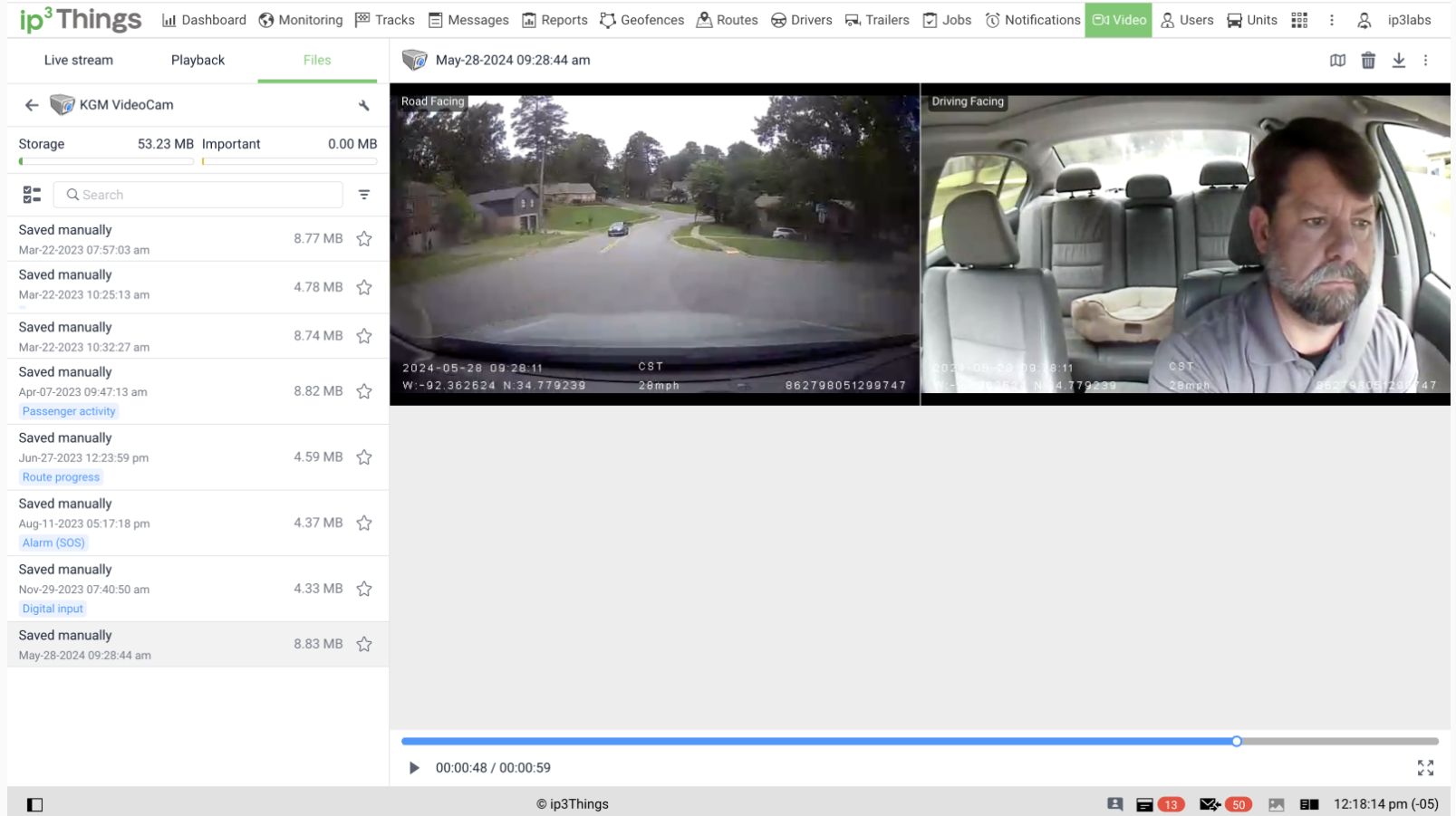
Road, cabin and additional camera views

The dual-camera base provides road and in-cab views, with two expansion ports for supported interior or rear cameras. Select the actual accessory and mounting position for each vehicle.

Event-triggered evidence

When supported and enabled, camera events can provide footage for supervisor review, coaching and incident investigation. Confirm triggering, on-device retention, upload behavior and retrieval on the proposed configuration.

Video alongside location and vehicle context

A compatible fleet-platform workflow can connect video review with GPS, trips or available vehicle data. Validate synchronization, playback and data access rather than assuming every view is present.

Driver coaching informed by video

Supported camera-derived events can complement driver scorecards and coaching. Confirm which events, alerts and reports the selected fleet configuration actually exposes.

Video access, storage and sharing

Review supported playback, downloads, sharing, access roles, retention and web or mobile workflows for the selected hardware, data plan and platform.

Video Telematics

One platform for video, GPS and driver behavior.

Available camera, alert, event, retrieval, playback, storage and sharing functions depend on the selected hardware, activation, connectivity and platform configuration. Define the workflow first, then validate the functions that matter for the fleet.

  • Which views and events are required?
  • Who reviews video and how quickly is it needed?
  • Which retrieval, playback or export functions must be validated?
  • How should the camera workflow connect with the current fleet stack?
  • What access, retention and sharing requirements apply?
ip³Things video telematics dashboard

Required camera views

Confirm road, in-cab, interior and rear views for the vehicle types in scope.

Warnings and events

Identify the warnings or events the fleet needs and validate which are documented for the selected hardware and activation.

Retrieval workflow

Define when video is needed, who reviews it and which retrieval, playback or export functions require validation.

Fleet integration

Confirm how the camera workflow should connect with the current telematics, TMS or operational process before deployment.

Access and retention

Document access, retention and sharing requirements so the proposed configuration can be checked against supported controls.

Pilot validation

Validate the proposed hardware, connectivity, installation and workflow in representative vehicles and operating areas.

Start with your operating requirements.

Share your fleet, vehicle, view, workflow, connectivity, integration, installation, privacy, retention and validation requirements. We’ll review the configuration and reply by email with fit questions and practical next steps — no meeting required.

View camera options